
Build / Automations
Build
Automations
What Firelent already automates for you — and what you can set up today.
Firelent already runs a lot of work for you in the background — from backing up every change to telling you about new orders. This page lists what happens automatically, how to set up the parts that need you, and what isn't possible yet.
What Firelent does automatically#
| What | When it happens |
|---|---|
| Versions | Every build and every change is backed up, ready to go back to |
| GitHub commits | Every build lands in your own repository, with your prompt as the message — once you've linked GitHub |
| Order notifications | Every new shop order is sent to you on Telegram — once you've connected Telegram |
| Form entries | Every sign-up, booking or message your site collects is saved under Project → Data |
| Statistics | Every visit to your published site is counted, without cookies |
| SSL certificates | Every domain you connect gets a certificate, set up for you |
| Refunds | Every build that fails on our side gives its credits back |
Set up Telegram#
Connecting Telegram lets Firelent message you about new orders — and lets you work on your projects from your phone.
Open Connect Telegram
On the Firelent website, open your profile menu in the top right and click Connect Telegram.
Tap Start
Telegram opens a chat with the Firelent bot. Tap Start. The link is valid for 10 minutes.
You're connected
From now on, new orders arrive as a Telegram message.
Edit from Telegram#
Once connected, you can message the Firelent bot to:
- create a new website from a description;
- change an existing project — “add our new opening hours”, “make the headline shorter”;
- list your projects.
When you change a site that's already live through Telegram, Firelent publishes the update for you automatically — so you can fix opening hours from the bus stop and the live site follows.
Link GitHub#
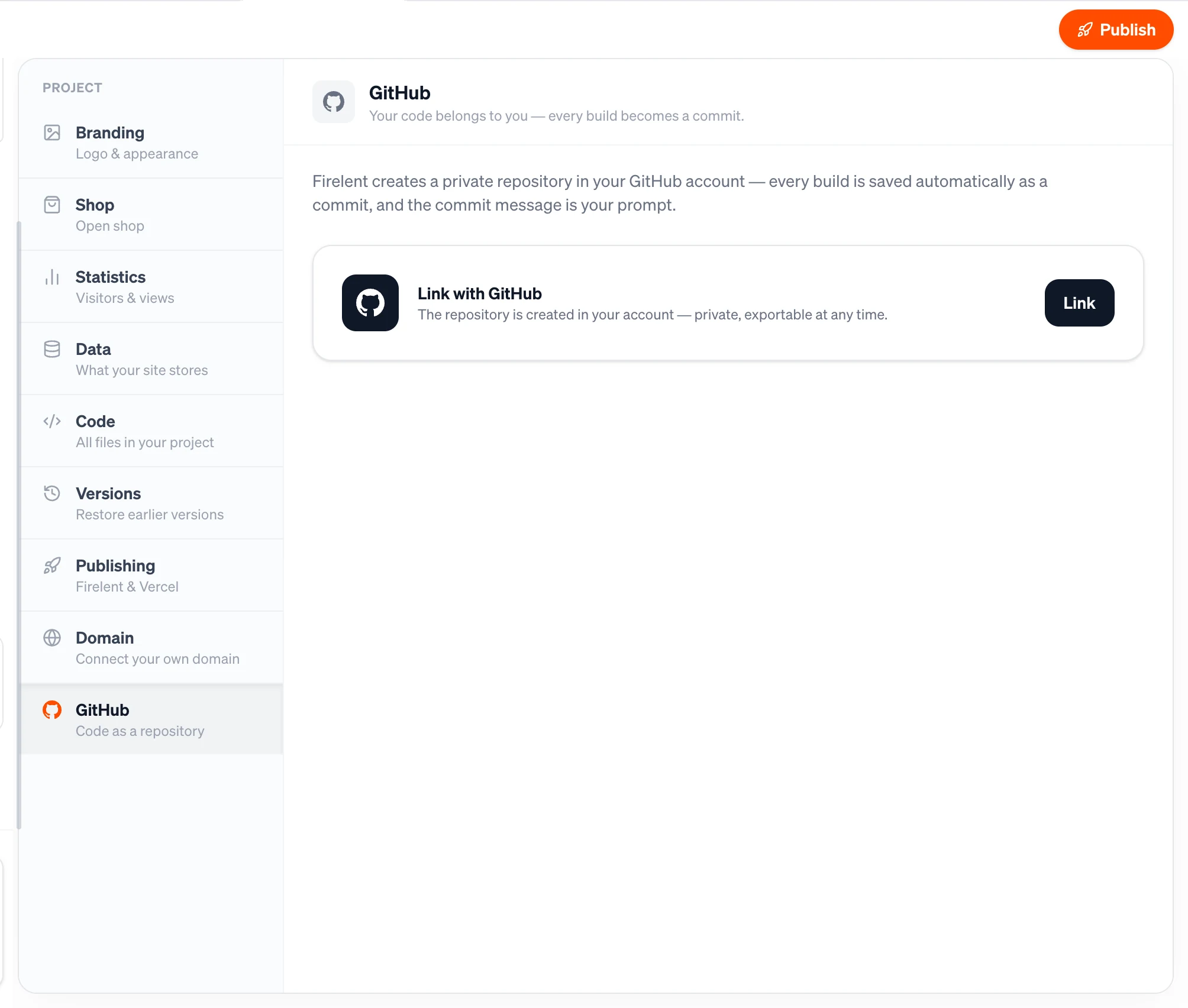
Linking a project to GitHub turns on automatic commits for it: every build goes to a private repository in your own account. See GitHub.
What isn't possible yet#
Automations inside the websites and apps you build — things that run on their own — aren't available yet:
- tasks on a schedule, like a daily summary or a weekly reminder;
- emails to your customers, like booking confirmations or reminders;
- reacting to outside events through webhooks;
- connecting Gmail, Google Calendar, Slack, a CRM, Zapier or Make.
Until then, the entries your site collects are always in Project → Data, and you can export them as JSON or SQL to use in other tools.
FAQ#
Does this keep running when I'm offline?#
Yes. Everything in the table above runs on Firelent's servers — your published site keeps saving entries, counting visits and sending order notifications while your computer is off.
Do I get an email when someone fills in my form?#
Not yet. Check Project → Data to see new entries. For shop orders, connect Telegram to be notified straight away.
Does a change in the editor publish automatically?#
No — in the editor, you decide when to publish with Publish changes. Only changes made through Telegram to a live site are published automatically.