
Build / Statistics
Build/Projects/Project settings
Statistics
Cookieless visitor statistics for your published website.
Statistics shows how many people visit your website, which pages they look at, where they come from and what device they use — without cookies, without a consent banner and without any setup.
Open it from your project: Project tab → Statistics. Statistics is available for websites.
Start counting#
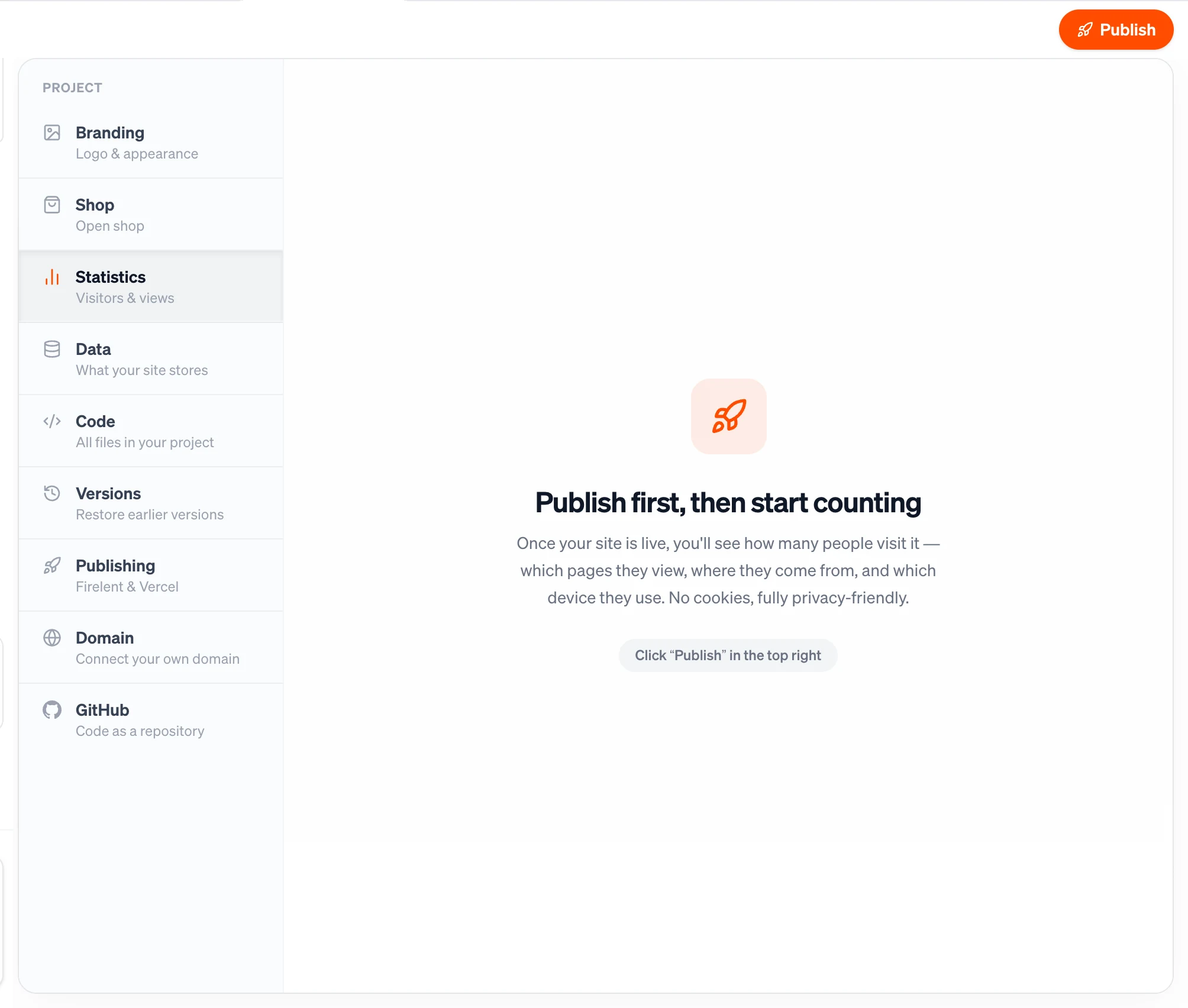
Counting starts the moment your site is published. Until then, Statistics shows Publish first, then start counting — click Publish in the top right of the editor to go live. There's nothing to install or switch on.
What you see#
Choose a time range at the top — 7 days, 30 days or 90 days — and Statistics shows:
| What it tells you | |
|---|---|
| Page views | How many times your pages were opened |
| Visitors | How many different people came by, counted per day |
| Avg. per day | Your daily average over the chosen range |
| Trend | Views and visitors day by day, as a chart |
| Top pages | Your eight most viewed pages |
| Sources | Your eight biggest sources of visitors — links from other sites, or Direct when someone typed your address or used a bookmark |
| Devices | How your visitors split between mobile, tablet and desktop |
How counting works#
Statistics is built to respect your visitors' privacy:
- No cookies. Nothing is stored in your visitors' browsers, so your site doesn't need a cookie banner for Statistics.
- No personal data. When someone opens a page, your site sends Firelent a tiny note: which page, where the visitor came from, and the width of their screen. To count a visitor once per day, Firelent uses an anonymous code that changes every day; IP addresses are never stored.
- Only real visits. Visits from bots are filtered out, and your own visits from the Firelent preview aren't counted.
Devices are told apart by screen width: under 768 pixels counts as mobile, under 1,024 as tablet, and everything wider as desktop.
How fresh the numbers are#
Today's numbers include visits up to a few seconds ago. Statistics loads when you open it or switch the time range — open it again to see the latest.
Good to know#
- Visitors are counted per day. Someone who visits on Monday and again on Tuesday counts as a visitor on each day.
- Statistics counts visits to your
firelent.appaddress. - Your history is kept. Daily totals stay available for as long as your project exists.