
Build / Games
Build
Games
Build browser games that play on phones and computers, straight from your website.
Firelent builds games that play right in the browser — on phones and computers, with nothing to install. Share a link and people are playing in seconds: arcade games, puzzles, physics toys, even simple 3D.
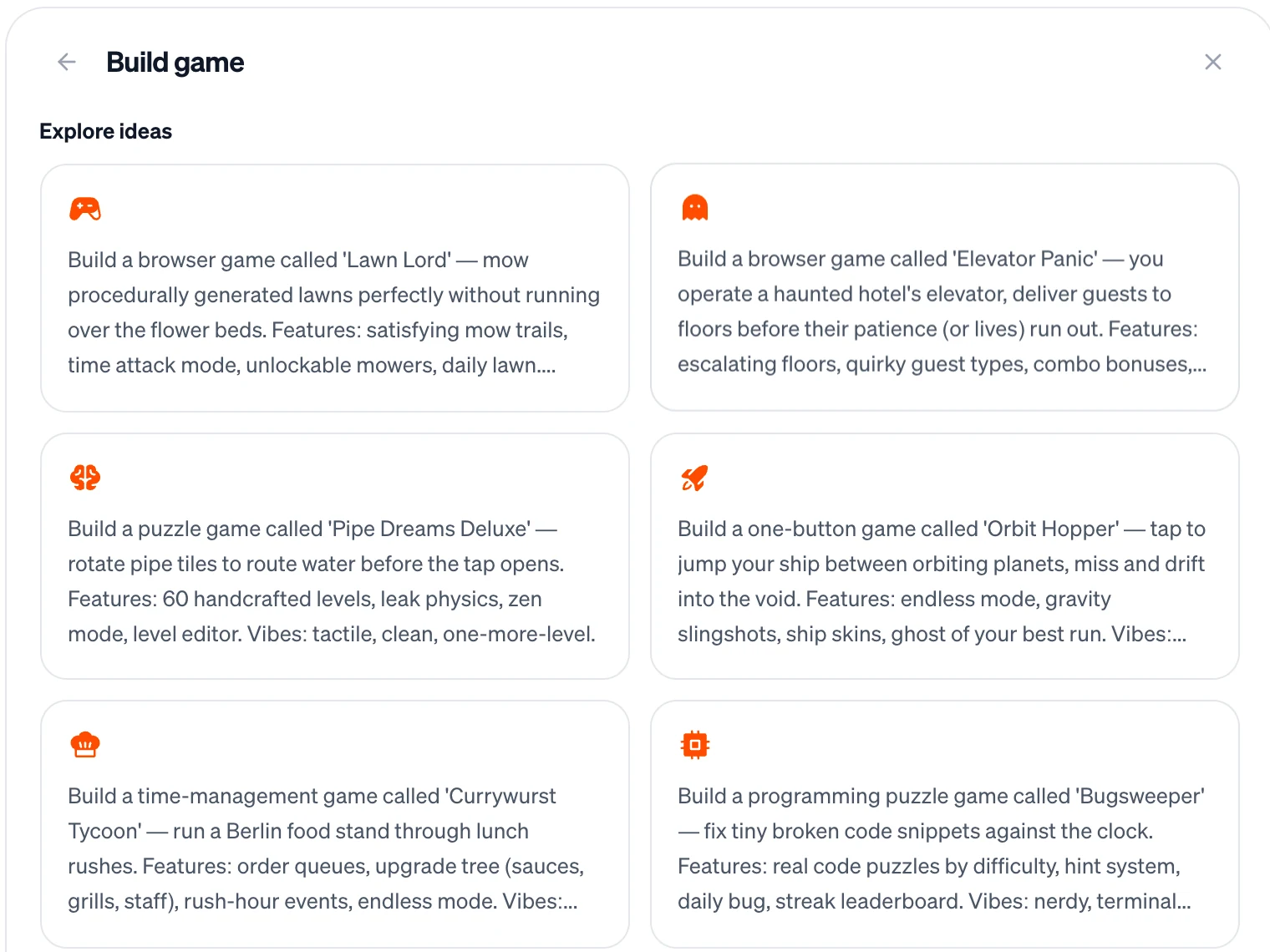
What you can build#
- One-button and arcade games — tap to jump, hold to fly, dodge and survive.
- Puzzles — tiles, words, pipes, matching and logic games.
- Physics games — stack, throw, balance and topple, with real-feeling physics.
- Simple 3D — a scene to fly through, a planet to orbit, objects to spin.
- Time-management and idle games — run a food stand, upgrade, beat the rush hour.
- Quizzes and word games — great for a brand, a class or a party.
How it works#
Start a game from the dashboard with Build → Game, or just describe it in any New Window. Firelent builds it as a website: your game runs in the browser — drawn on a canvas, or in 3D — with a physics engine for things that fall, bounce and collide. Your site also gets a header, a footer and its legal pages, like every Firelent website, and you publish and share it like any other site.
Start with the core loop#
Every good game fits in one sentence. Before your first prompt, write down:
- What the player does — tap, swipe, drag, type.
- What makes it hard — time, obstacles, speed, limited moves.
- How a round ends — a crash, a timer, a wrong answer.
- Why they play again — a high score, a new level, a better time.
Make a one-thumb game for phones: a paper plane glides through a city. Hold to rise, let go to fall; dodge the buildings and collect stars. When you crash, show the score, your best score saved on this device, and a Restart button. Portrait mode; on a computer, the space bar or mouse works too. Simple flat shapes.
Build it in small steps#
Games break most easily when too much changes at once. The rhythm that works:
- Get something playable first — ugly is fine. Can you play one round from start to finish?
- Add one system per message — scoring, then levels, then power-ups. Not all at once.
- Play for two minutes between changes. You're the tester: Firelent builds, you play.
- Describe the feel, not the numbers. “The jump feels floaty” or “it gets hard too fast” tells Firelent exactly what to tune.
- Go back when something breaks. Every change is a version — reverting is free.
The plane feels floaty and the start is boring. Make it fall faster when you let go, start the obstacles from the third second, and speed up slowly over a minute. Don't change the controls, the scoring or the game-over screen.
Make it feel good#
Small touches make a game feel finished. Add them last, once the game is fun:
- A start screen with “Tap to start”.
- Feedback — a screen shake on a crash, a little burst when you score, a flash when you level up.
- A clear game-over screen with the score, the best score and one-tap restart.
- A difficulty curve that starts easy and ramps up slowly.
Phones and touch#
Most people will play on their phone. Ask for — and test:
- Touch controls that are big and placed where thumbs rest.
- No page scrolling or zooming while playing.
- Portrait or landscape, decided up front.
- A pause when the player switches to another app.
- Keyboard controls as well, for people on a computer.
High scores#
- Best score on this device — the simplest choice. It's saved in the player's browser.
- A shared leaderboard — Firelent Cloud can store everyone's scores. Keep it for fun: scores are sent from the player's browser and aren't checked, so someone determined could fake one.
Limits#
- No real-time multiplayer — players can't play together live.
- No game engines like Unity or Unreal; games are built for the browser.
- No in-game purchases.
FAQ#
Do players need an account?#
No. Games work without sign-in. Ask for accounts only if players need to come back to their own progress on another device.
Can I put the game on my own domain?#
Yes — publish it and connect a domain like any website. See Domain.