
Build / Domain
Build/Projects/Project settings
Domain
Serve your website from your own domain, with SSL set up for you.
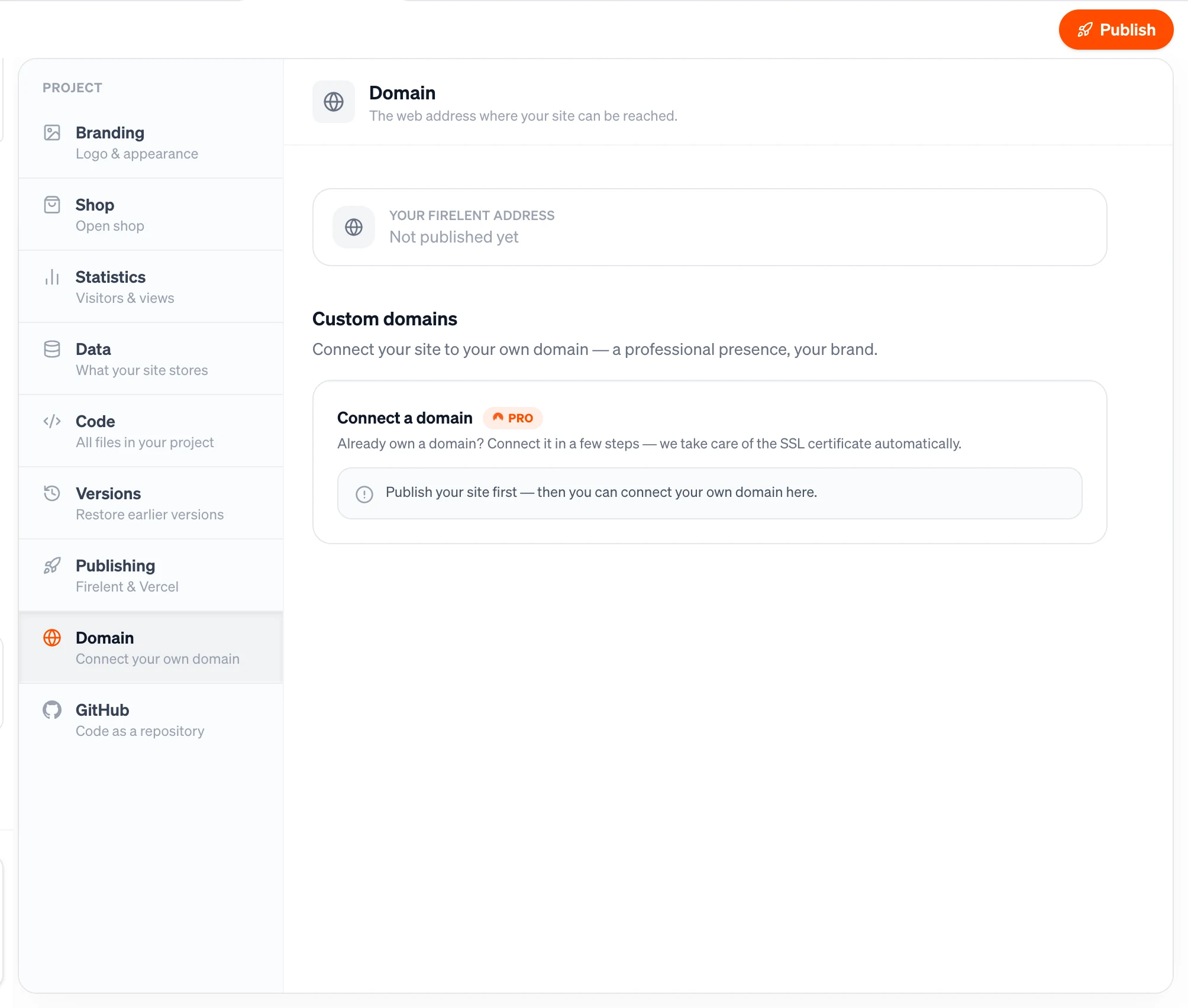
Every published website gets its own firelent.app address. When you're ready for your own domain — fadeandco.de instead of fade-co.firelent.app — connect it in the Domain section. Firelent takes care of the SSL certificate, so your site is served securely over HTTPS.
Open it from your project: Project tab → Domain. Domains are available for websites.
Before you start#
- Publish your site first. A domain points to your live site, so the Domain section asks you to publish before you connect one.
- Have access to your domain's DNS settings. That's the part of your domain provider's dashboard — IONOS, Strato, GoDaddy, Namecheap and so on — where you manage records.
Connect your domain#
Enter your domain
Under Connect a domain, type your domain — for example myshop.com or www.myshop.com — and click Connect.
Add the records at your domain provider
Firelent shows the DNS records to add under Add these records at your domain provider:, each with a Name and a Value you can copy.
Wait for Live
Firelent checks your domain every few seconds while the section is open. As soon as the records are in place and the certificate is ready, the status turns Live.
Which records to add#
The records depend on what you connect:
| You connect | Add | Name | Value |
|---|---|---|---|
Your main domain, like myshop.com | Two A records | Your domain | 188.114.96.3 and 188.114.97.3 |
A subdomain, like www.myshop.com | One CNAME record | The full subdomain | custom.firelent.app |
Sometimes Firelent shows an extra TXT record as well — add it exactly as shown.
Using IONOS or a similar provider?
Many providers write @ instead of your domain name for records on your main domain. If yours does, use @ as the name.
Main domain and www
myshop.com and www.myshop.com are two separate addresses. To have both lead to your site, connect each of them.
Domain status#
| Status | What it means |
|---|---|
| Waiting for DNS records… | Firelent hasn't found your records yet. Changes at your provider can take a few minutes — sometimes longer — to spread |
| Live | Your domain points to your site, and its certificate is active |
| Verification failed | Something didn't match. Check the records against the ones Firelent shows and fix them, then remove the domain and connect it again |
SSL#
You don't need to buy or install a certificate. Firelent issues one for every domain you connect, automatically, and your site is served over HTTPS as soon as the domain is Live.
Remove a domain#
Click the trash icon next to a domain to remove it. It's disconnected straight away — remember to clean up the records at your domain provider too.
Good to know#
- A domain can only be connected to one site at a time. To move it, remove it from the old project first.
- You can connect more than one domain to a site.
- Your
firelent.appaddress keeps working alongside your own domain.