
Create / Videos
Create
Videos
Where video creation stands today, and what you can make in the meantime.
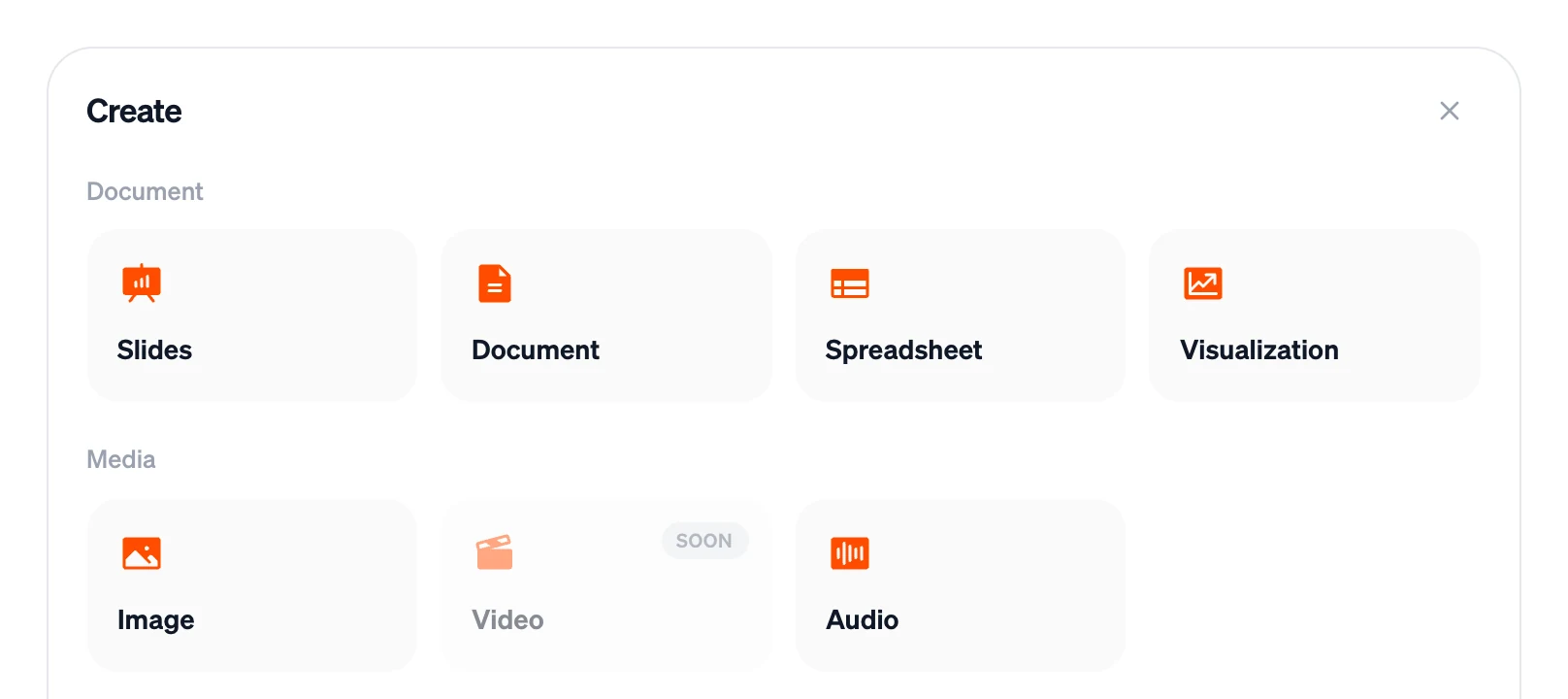
Video creation isn't available in Firelent yet. You'll see Video in the Create panel marked Soon — it can't be selected until it's ready.
Make a video today with Firelent#
You can already create most of what a short video needs, then put it together in any video editor — CapCut, iMovie, DaVinci Resolve, Premiere or Canva:
Write the script
Ask for a document: “a script for a 60-second video about our new opening hours, with what's on screen and what's said for each shot”. Plan about 150 spoken words per minute.
Record the voiceover
Turn the spoken part into audio with a natural voice — or two voices for a conversation.
Create the pictures
Make an image for each shot. Ask for the shape your video needs: tall portrait (9:16) for Reels, Shorts and TikTok, wide landscape (16:9) for YouTube and websites.
Put it together
Add the pictures and the voiceover to your video editor, then add slow zooms, transitions, captions and music there.
Moving pictures on your website#
Websites built with Firelent can already move: elements that fade in as you scroll, animated headlines, sliding galleries and hover effects. Ask for it in your website's chat — “make the hero text fade in word by word”. See Landing pages.
Plan a short video#
Whatever you make it with, a few rules hold for short videos:
- Hook in the first two seconds. Start with the most interesting moment, not a logo.
- One message per video. If it needs “and also”, make two videos.
- Captions on. Many people watch with the sound off.
- Match the shape to the platform: 9:16 for Reels, Shorts and TikTok; 16:9 for YouTube and your website; 1:1 or 4:5 for feed posts.
- Keep it short. Most social videos work best under a minute.
FAQ#
When will video be available?#
We don't have a date to share yet. Watch the Changelog — new features are announced there.