
Build / GitHub
Build/Projects/Project settings
GitHub
Keep your project in a private repository in your own GitHub account.
Your code belongs to you. Link a project to GitHub, and Firelent creates a private repository in your own GitHub account and commits every build to it — with your prompt as the commit message. Your project's full history lives in your account, ready to take anywhere.
Open it from your project: Project tab → GitHub. GitHub works for websites, apps and imported projects.
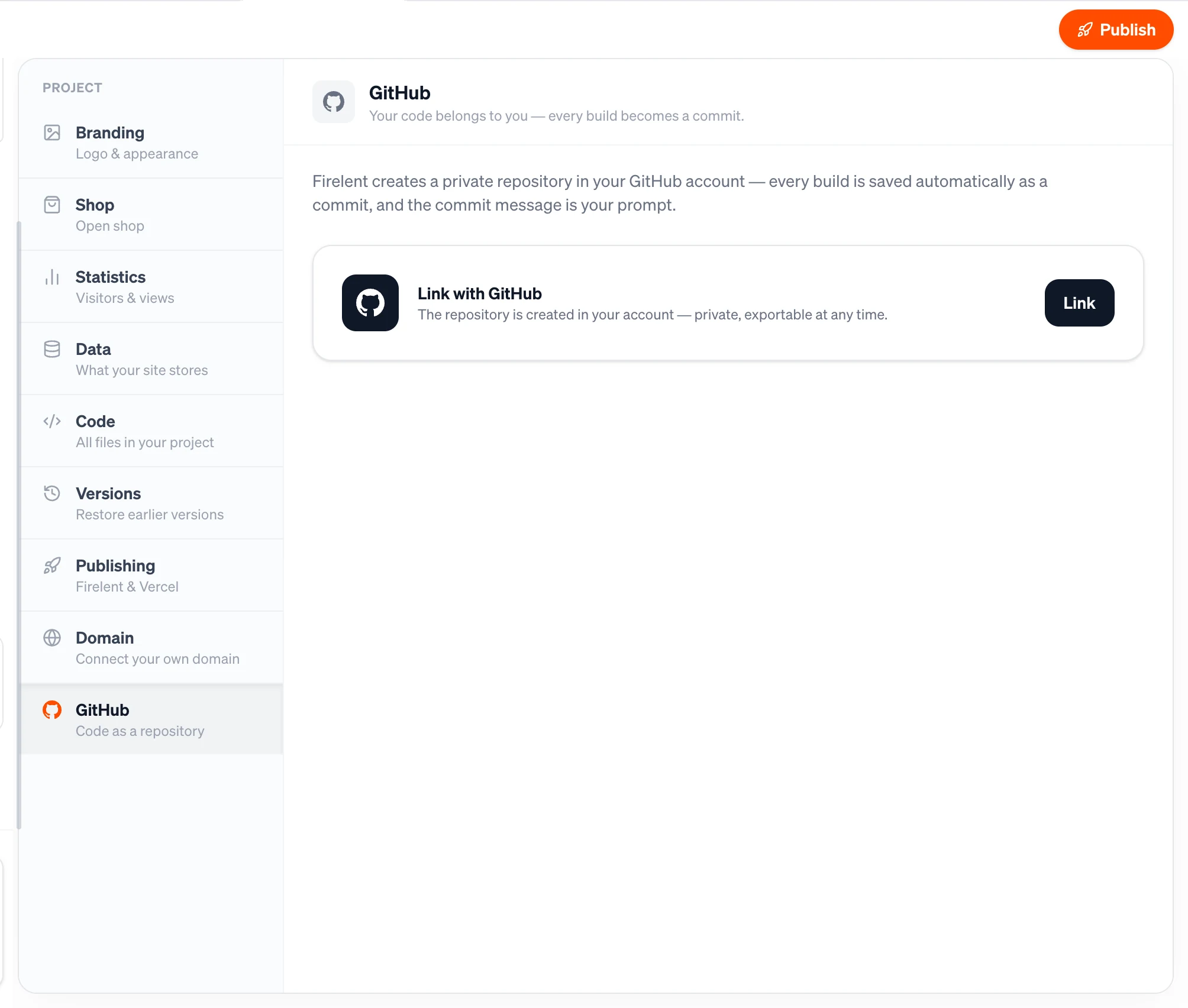
Link your project#
Click Link
In Project → GitHub, find Link with GitHub and click Link.
Connect your GitHub account
The first time, GitHub opens and asks you to install Firelent and give it access to your account. Approve it, and you're taken back to Firelent. After that, linking another project is a single click.
Your repository is ready
Firelent creates a private repository in your personal GitHub account and pushes your project to it.
Your project needs at least one build before it can be linked.
Your repository#
- It's yours. The repository is created in your personal GitHub account, not in Firelent's.
- It's private. Only you — and anyone you invite on GitHub — can see it.
- It's named after your project, in lowercase with dashes instead of spaces.
What gets committed#
From the moment you link, every build and every change Firelent makes lands in your repository as its own commit on main. The commit message is the prompt that made it, shortened to 300 characters, with anything that looks like a password or key removed. Going back to an earlier version is committed too.
Your repository holds everything needed to run your project:
| Project | What's in the repository |
|---|---|
| Website | The complete site, ready to build and run |
| App | The app's source code |
| Imported project | Your project's files |
Firelent also adds a README.md and a .gitignore.
Firelent writes, GitHub keeps
Each build replaces what's in the repository with the latest version of your project. Changes you make directly on GitHub aren't brought back into Firelent — and the next build overwrites them. Make your changes through Firelent, and use the repository as your backup and your way out.
The status card#
Once linked, the GitHub section shows:
- your repository's name, marked Private, with Open to go straight to it on GitHub;
- the branch Firelent commits to;
- Last updated — when the latest commit was pushed.
Good to know#
- Business details don't create commits. Changes to your logo, opening hours, address or Impressum update your site without a commit of their own.
- Publishing isn't a commit. Commits happen when your project changes, not when you publish it.
- Questions don't create commits. Only builds and changes do.